1
Create job
Start with a template that matches the work and expected photo evidence.
Workflow
AssetPM keeps the process direct: set up the job, capture proof in context, and generate a report that is ready for review.
Start with a template that matches the work and expected photo evidence.
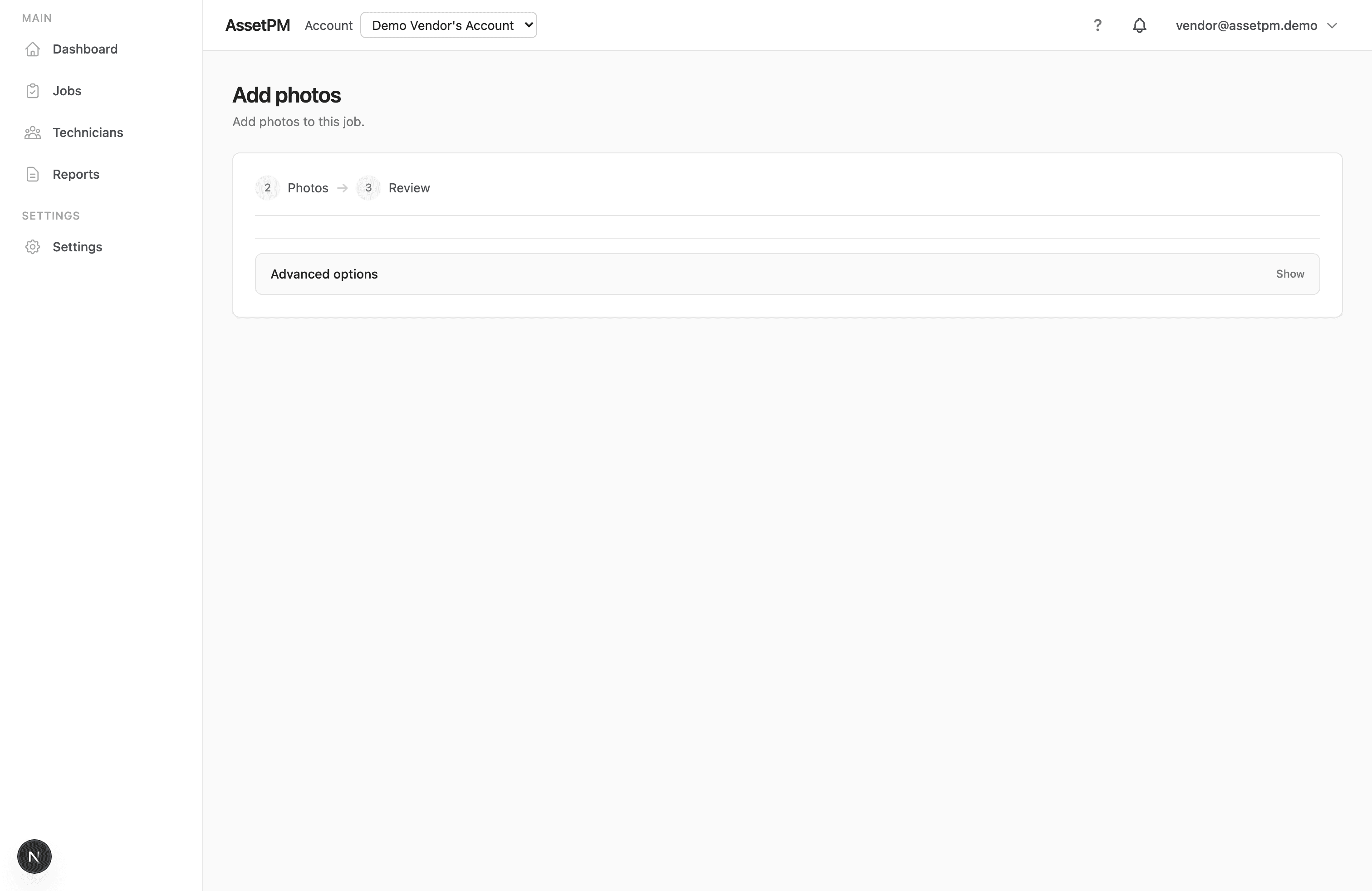
Capture job-context photos in the field and keep documentation tied to the right job.
Produce a professional report your team and stakeholders can review with confidence.
Teams select a template that defines the evidence expectation and report intent from the start.
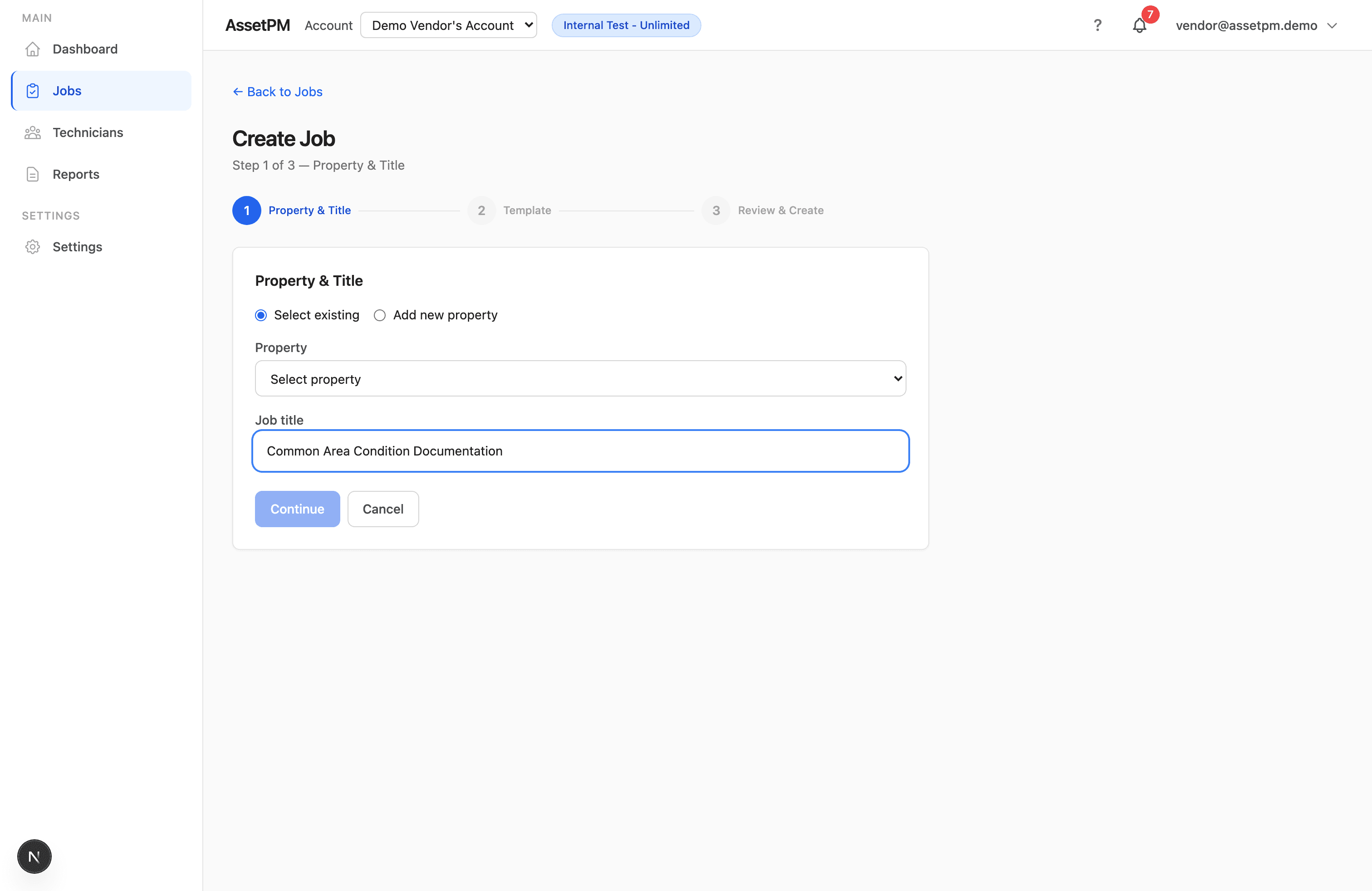
Photo capture stays tied to the job so teams avoid disconnected files and missing context.
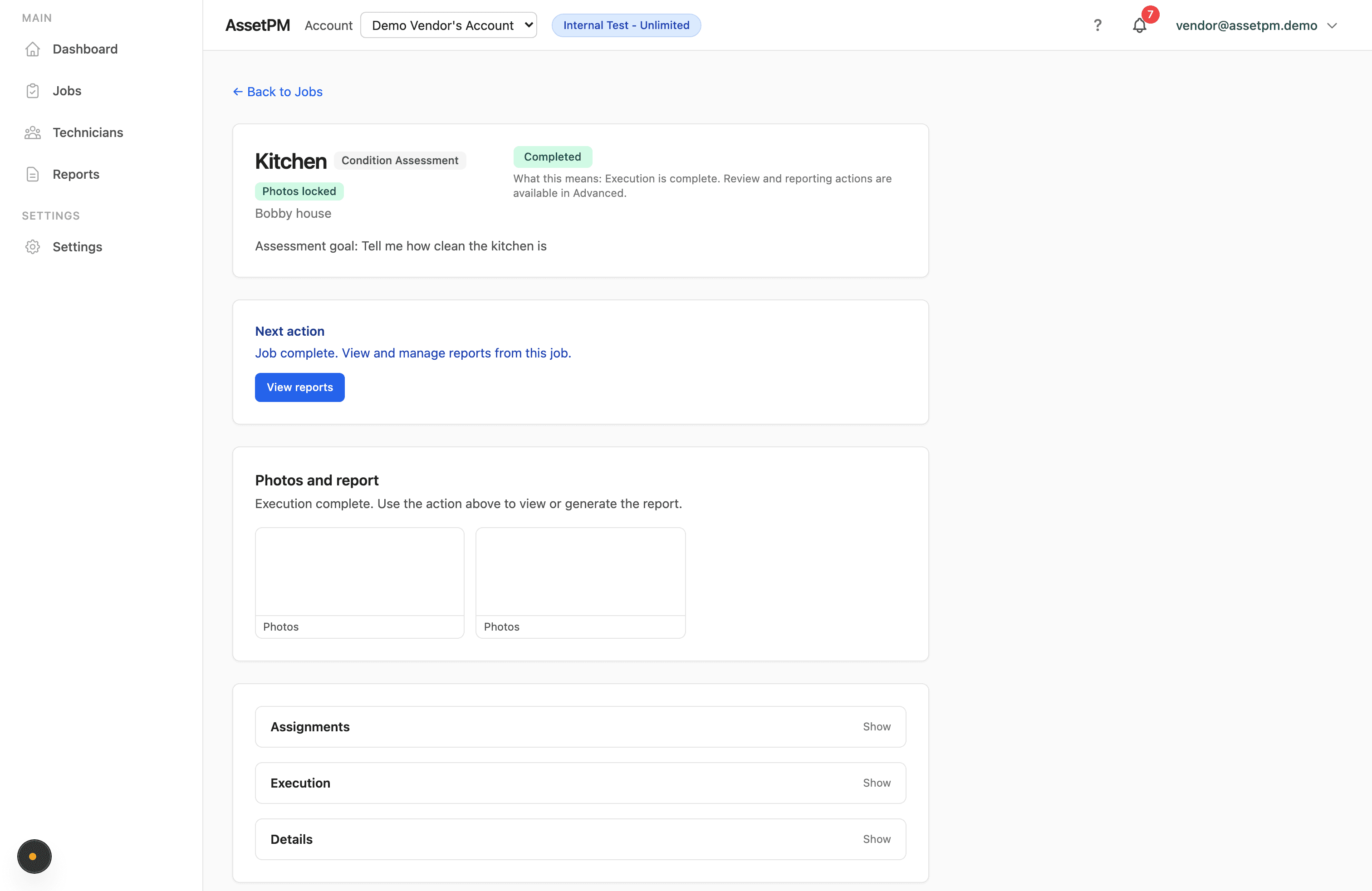
The job detail view guides the next operational step and makes report generation explicit.
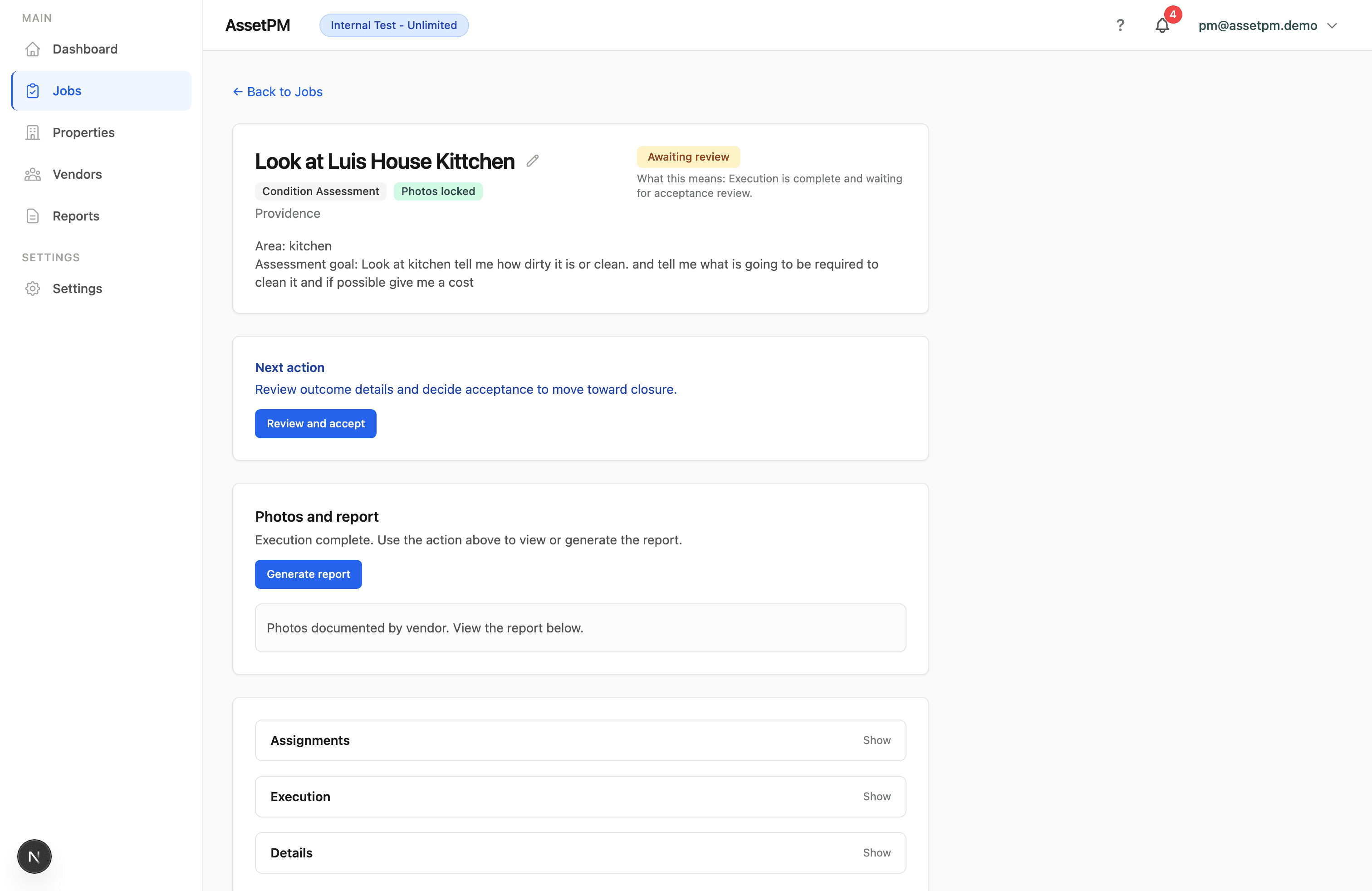
PMs can review outcome details and move jobs toward closure.
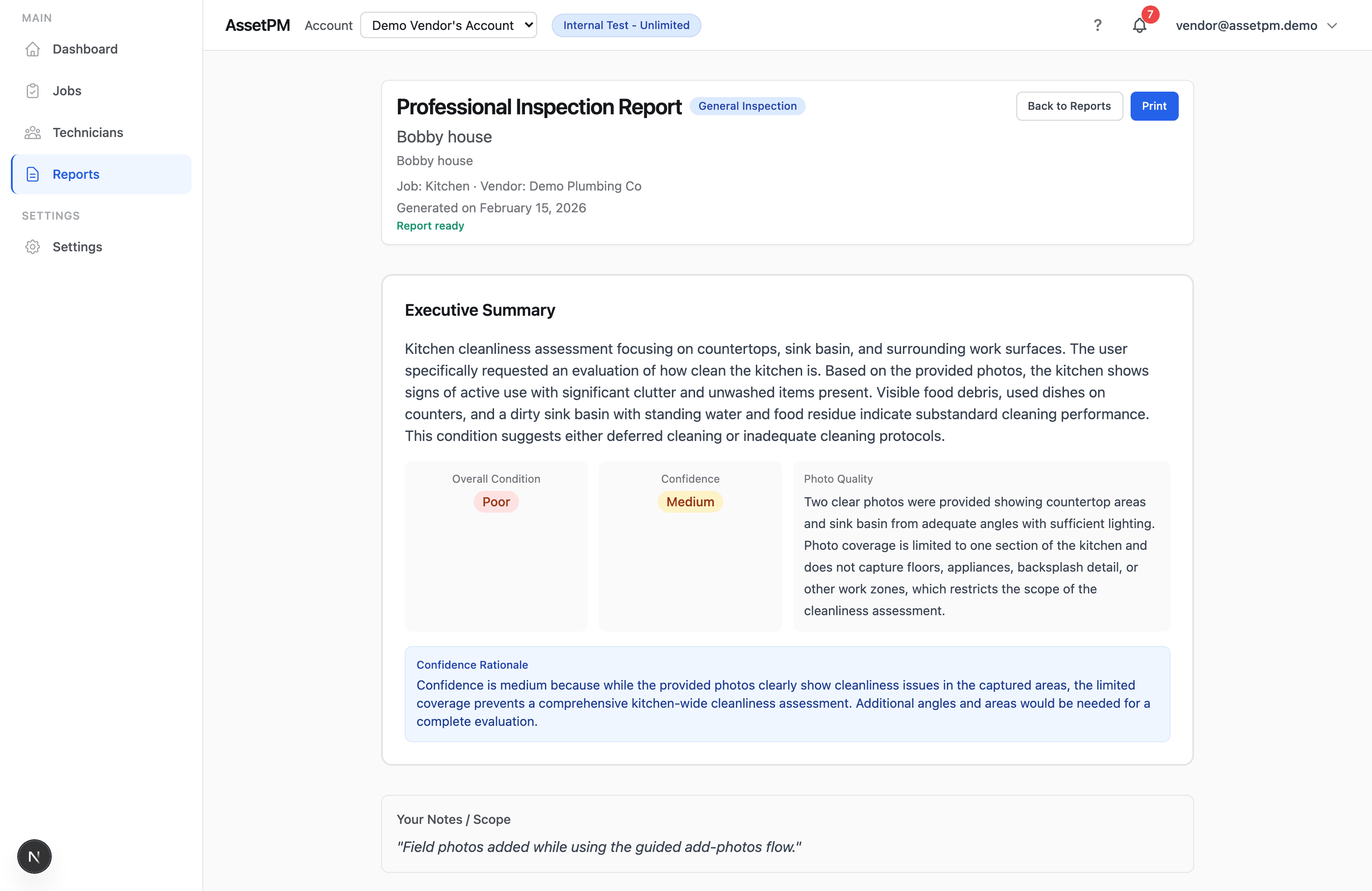
Reports are structured for fast review and professional handoff.
Start immediately with the free trial, or walk through your exact workflow in a live demo.